

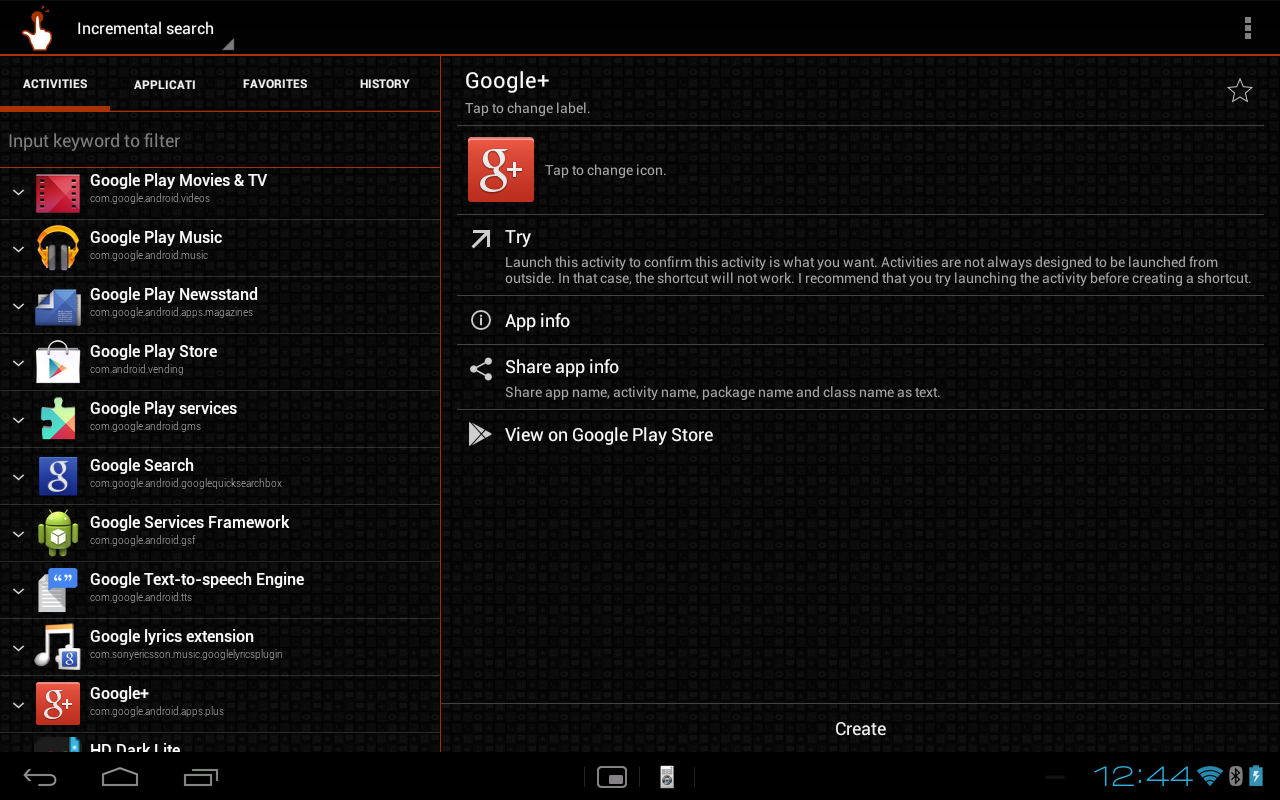
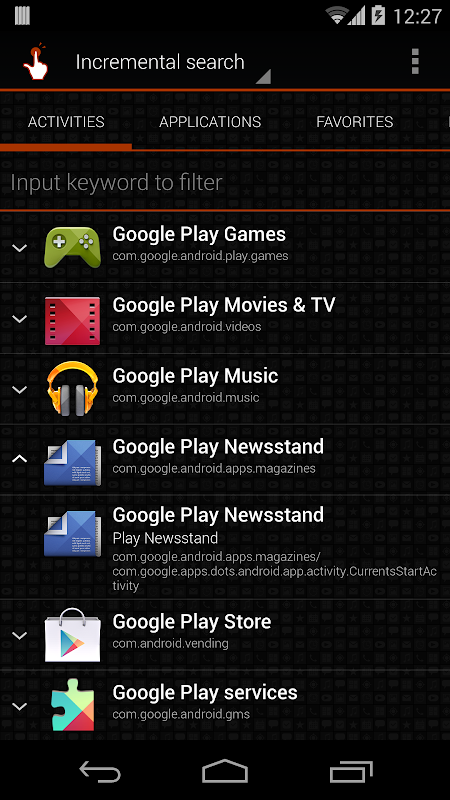
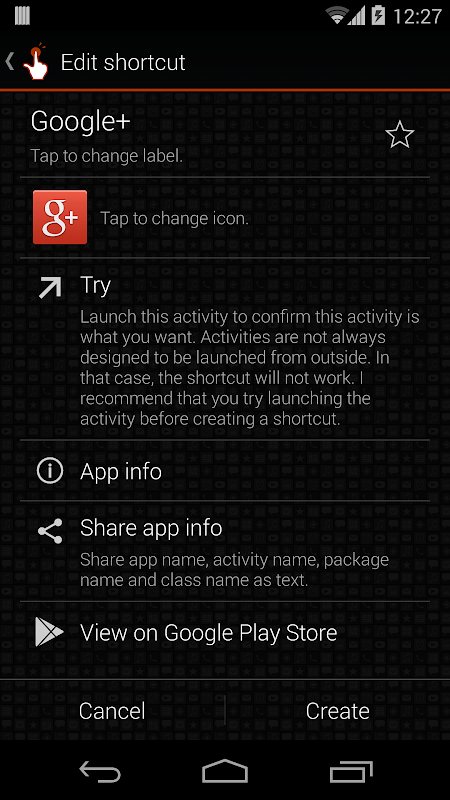
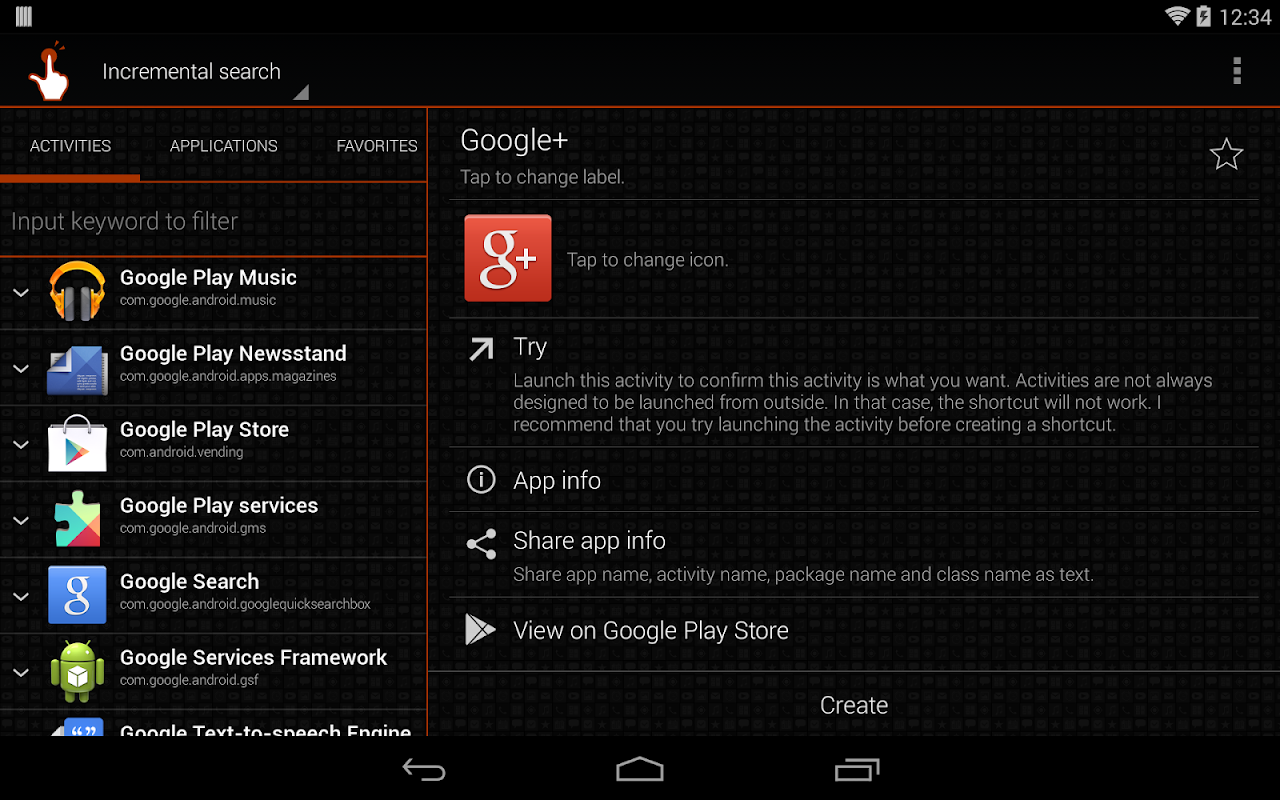
For Android users seeking deeper control over their device experience, QuickShortcutMaker offers a powerful solution by unlocking hidden activities and functions. This utility app allows you to create direct shortcuts to specific settings, menus, and features buried within your applications. It is an ideal tool for power users, developers, and anyone who wants to streamline their navigation and personalize their Android interface beyond standard options.
Unlocking Hidden App Activities
Many applications contain internal activities and settings screens that are not accessible through their main interface. QuickShortcutMaker scans your installed apps and reveals these hidden components. You can then create a home screen shortcut that takes you directly to that specific screen, bypassing multiple layers of menus. This is particularly useful for quickly accessing developer options or specific configuration panels.
Streamlining Daily Device Navigation
This app significantly reduces the time spent navigating through complex settings menus. Instead of tapping through several screens to reach a frequently used function, you can place a shortcut on your home screen for one-tap access. This creates a more efficient and personalized workflow, whether you need to quickly check data usage, change sound profiles, or access a particular system setting.
Customizing Your Home Screen Layout
Beyond simple shortcuts, the app enhances home screen customization by allowing you to add functional icons for virtually any task. You can replace cumbersome widget setups with clean, direct shortcuts to the exact action you need to perform. This helps in creating a minimalist and highly efficient home screen layout that is tailored precisely to your daily usage patterns.
Safe and Non-Root Operation
A key advantage of QuickShortcutMaker is that it operates entirely without requiring root access to your device. It uses standard Android APIs to function, ensuring a safe and stable experience that does not void your warranty or compromise system security. The app reads the available activities from other applications but does not have the permission to modify them.
Troubleshooting App Shortcut Issues
If an app on your phone is malfunctioning or a specific feature is hard to reach, this tool can help you create a direct shortcut to its core activities. This can be a valuable step for troubleshooting or for bypassing a buggy startup screen. It provides an alternative pathway to access the app’s fundamental components.
Frequently Asked Questions
Its primary purpose is to create direct home screen shortcuts to specific screens and functions within your installed apps. This allows for faster access to features that are normally hidden deep within an application’s menu structure.
While it is popular among power users, its straightforward interface makes it accessible for anyone. You simply select an app from the list and choose the activity you wish to create a shortcut for, with no complex configuration needed.
Yes, the app is safe as it uses standard Android permissions and does not require root access. It cannot modify system files or other apps; it only reads the list of available activities to create shortcuts.
If an app receives a major update, it might change its internal activity names, which can cause a shortcut to break. In this case, you can simply use QuickShortcutMaker again to search for the new activity and create a fresh shortcut.